Introduction
Introduction
Data visualization consists in communicating figures or raw data by transforming them into visual objects: points, bars, curves, maps... Data visualization saves a lot of time in the appropriation and analysis of data. It is also a powerful communication tool.
'A picture is worth a thousand words' - Confucius
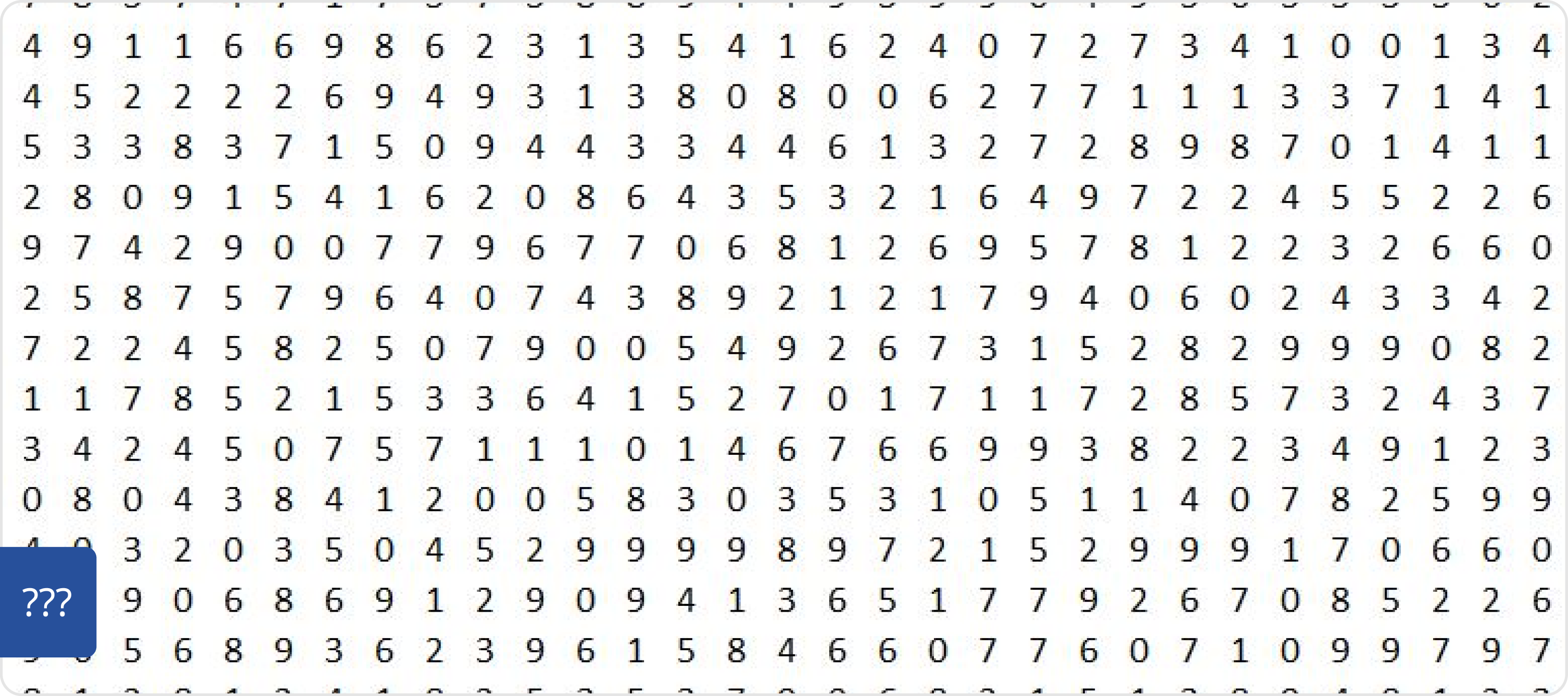
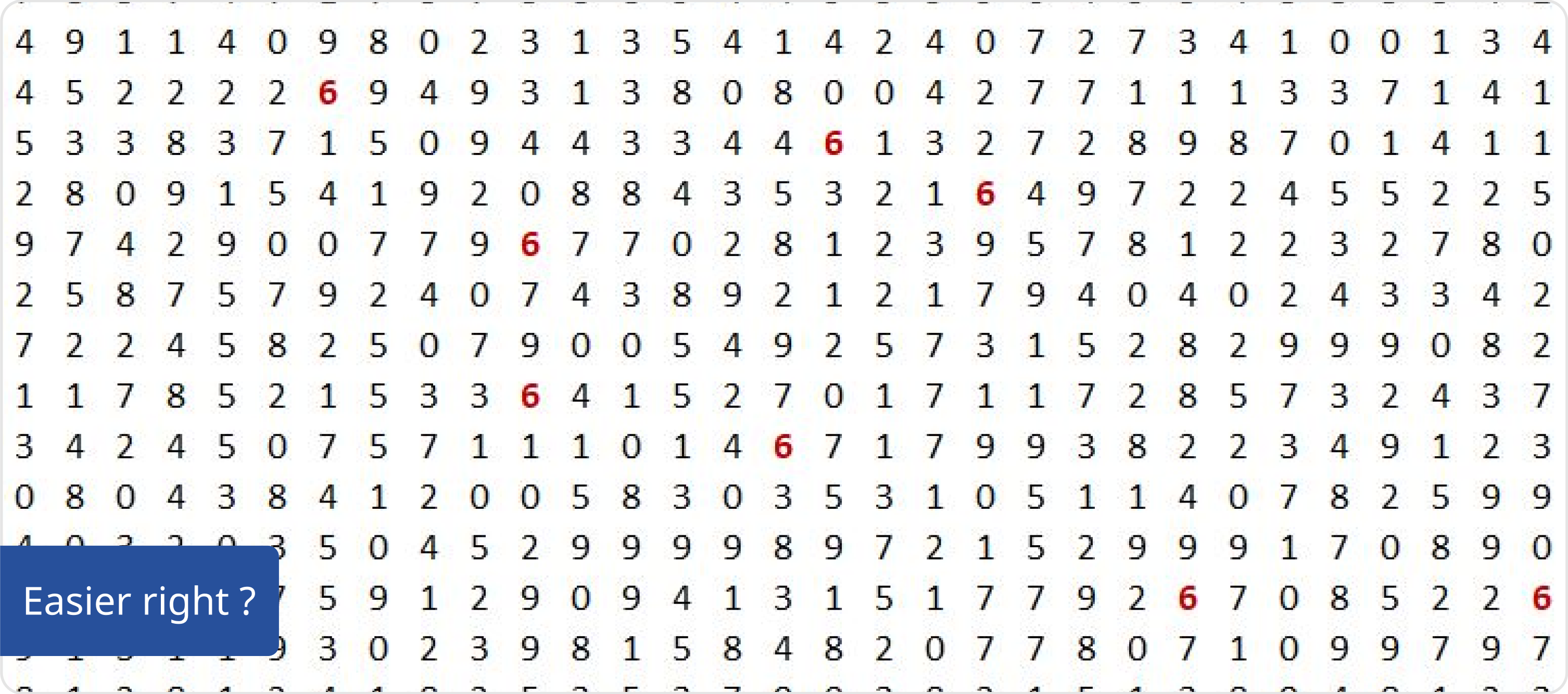
For example, how many 6 you have in this serie of numbers?
Principles
The right chart for the right purpose. Each way you look at data will tell you a different story. Finding the right angle of data presentation is key to convey the right information leading to the right decision. Given the goal of your users, you need to pick the right type of representation. And there are lot of them out there!
Colors are information
Do not use color to make your chart pretty. Use color to make information stand out from your data and make sure to use one color per data. Keep accessibility in mind and do use contrasting shades to maximize readability. Here is the categorical default color palette. Categorical accent colors can be applied to accentuate important elements for categorical scale data (e.g., category A, category B).
Primary blue - [light]
#27509B
Color Blind Safe - 1
#074650
Color Blind Safe - 2
#009292
Color Blind Safe - 3
#FE6DB6
Color Blind Safe - 4
#FEB5DA
Color Blind Safe - 5
#480091
Color Blind Safe - 6
#B66DFF
Color Blind Safe - 7
#B5DAFE
Color Blind Safe - 8
#6DB6FF
Divergent colors can be applied to accentuate important elements for ordinal or ratio scale data.
Divergent - 1
#B73A3A
Divergent - 2
#EC5656
Divergent - 3
#F28A90
Divergent - 4
#F8BCBD
Divergent - 5
#F3F3F3
Divergent - 6
#99E472
Divergent - 7
#23C26F
Divergent - 8
#1D9816
Divergent - 9
#026645
Sequential accent colors can be applied to accentuate important elements for ordinal or interval scale data.
Blues -1
#8BC7F7
Blues - 2
#46B3F3
Blues - 3
#009CEB
Blues - 4
#0086E6
Blues - 5
#0070E0
Blues - 6
#0050EB
Blues - 7
#0641C8
Blues - 8
#0B31A5
Blues - 9
#092885